
Overview
Before requirements can appear on the booking form, they must first be created and configured in the system. Creating requirements allows businesses to define what information they want customers to provide when making a reservation.
This guide explains how to add a new booking requirement.
Step-by-Step Guide
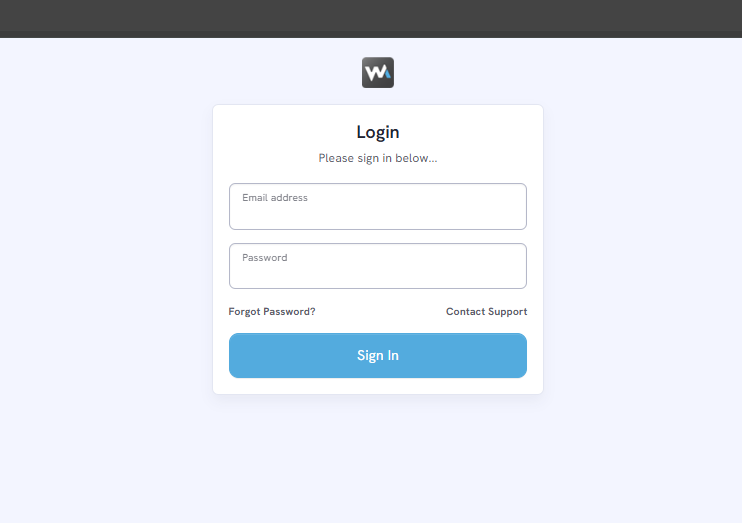
Step 1. Log in to your WOWAPPS account at https://ca.wowapps.com/
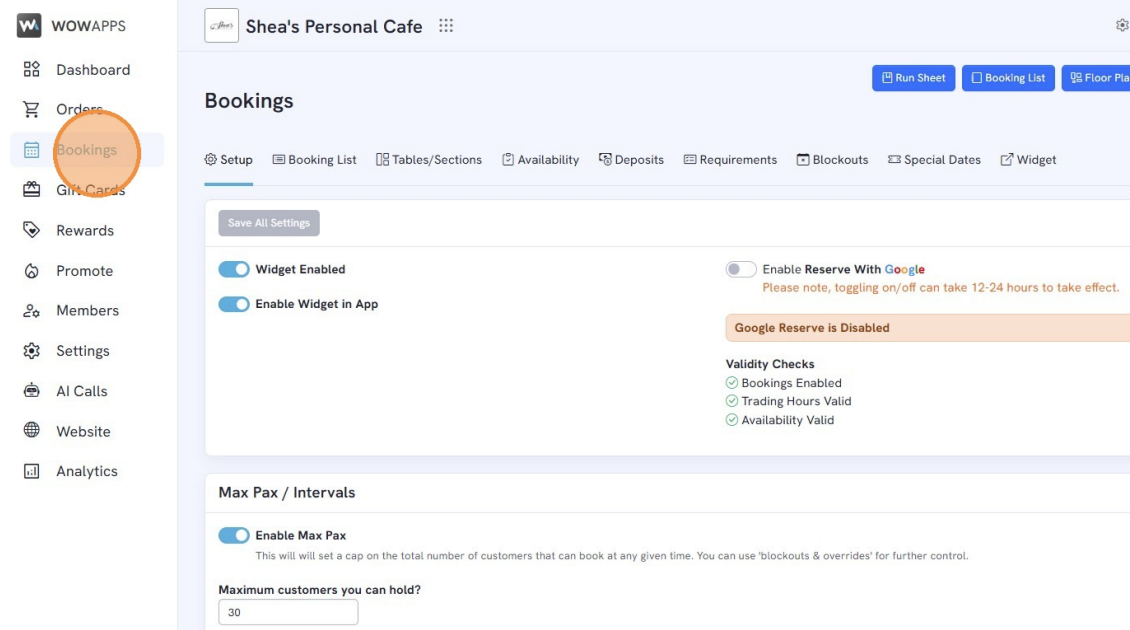
Step 2. Go to "Bookings" in the dashboard.
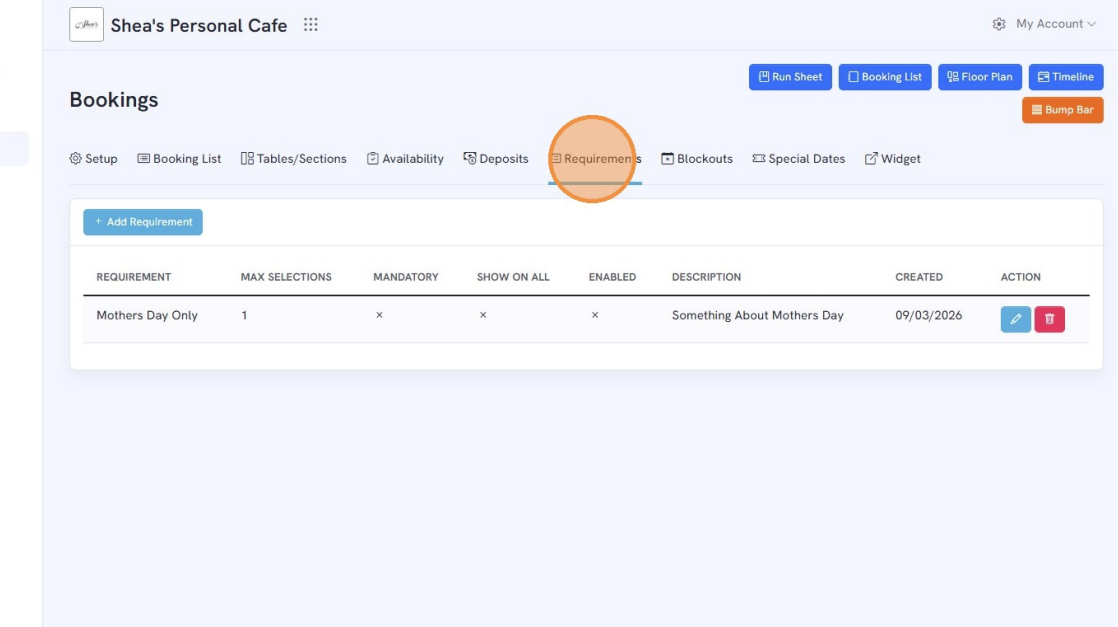
Step 3. Select the "Requirements" tab.
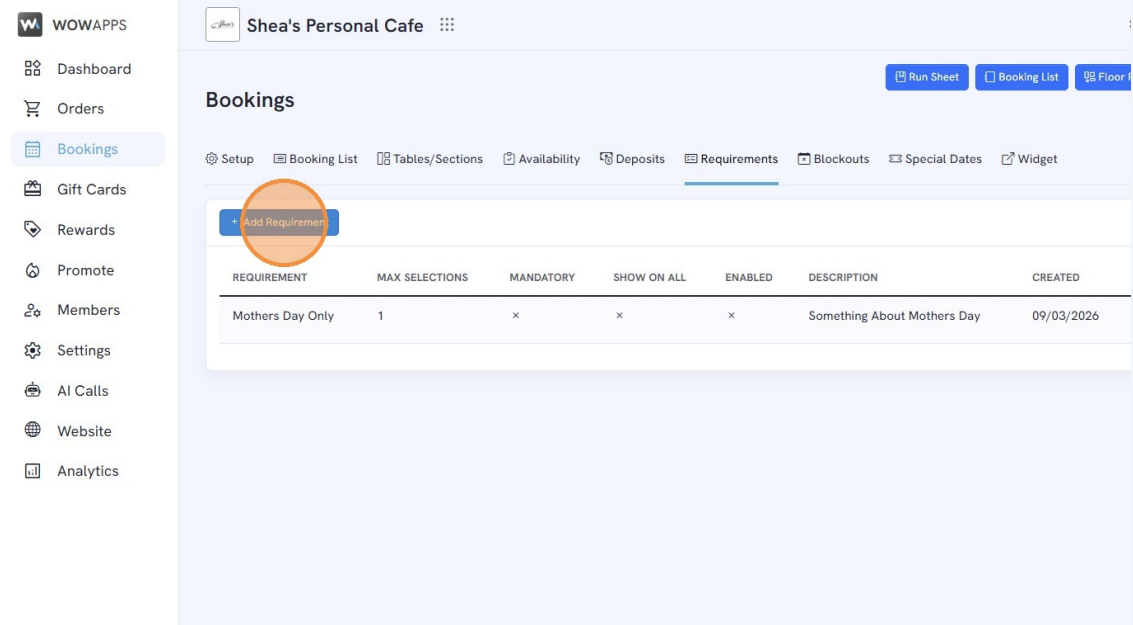
Step 4. Click "Add Requirement".
Step 5. Enter the requirement details
Requirement Name
Description
Maximum selections allowed
Enable "Mandatory Question" if the question is required upon booking.
"Show on All Bookings" - This setting controls whether the requirement appears all the time or only for specific events.